Creating a home office that feels both cozy and productive is essential for anyone working remotely or managing tasks from home. A well-designed workspace not only enhances comfort but also boosts your focus and efficiency. Here are practical tips to help you set up a home office that works for you.
Choose the Right Location
Find a Quiet Spot
Select a part of your home where you can work with minimal distractions. It might be a spare room, a corner in your bedroom, or a nook near a window. The quieter the area, the easier it will be to concentrate.
Consider Natural Light
If possible, position your desk near a window. Natural light improves mood and reduces eye strain. However, avoid direct glare on your screen by using sheer curtains or blinds.
Invest in Comfortable Furniture
Select an Ergonomic Chair
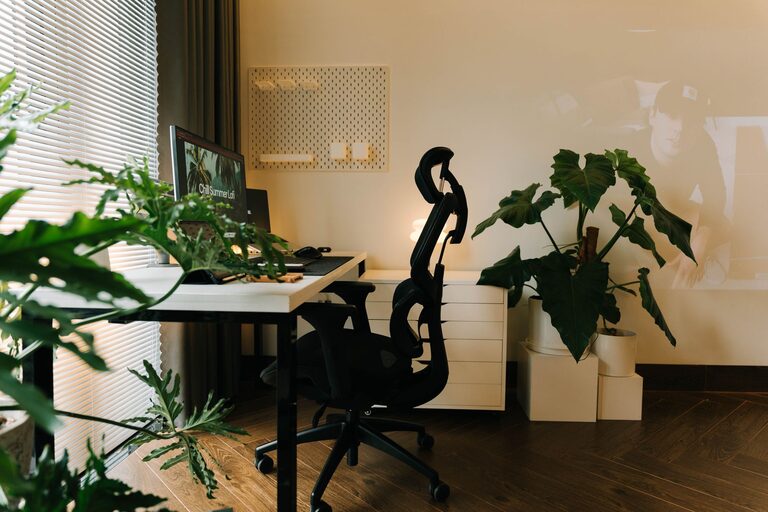
A supportive chair can help prevent back pain and improve posture. Look for adjustable features, including seat height, backrest angle, and armrests.
Choose a Desk That Fits Your Needs
Your desk should be large enough to hold your computer, essential accessories, and some personal items. Consider standing desks or desks with adjustable heights to encourage movement.
Organize Efficiently
Use Storage Solutions
Keep your space tidy with shelves, drawers, or filing cabinets. Proper storage keeps paperwork and office supplies within reach but out of sight, reducing clutter.
Declutter Regularly
Spend a few minutes at the end of each day tidying your workspace. A clean environment helps maintain a clear mind and focus.
Personalize Your Space
Add Cozy Elements
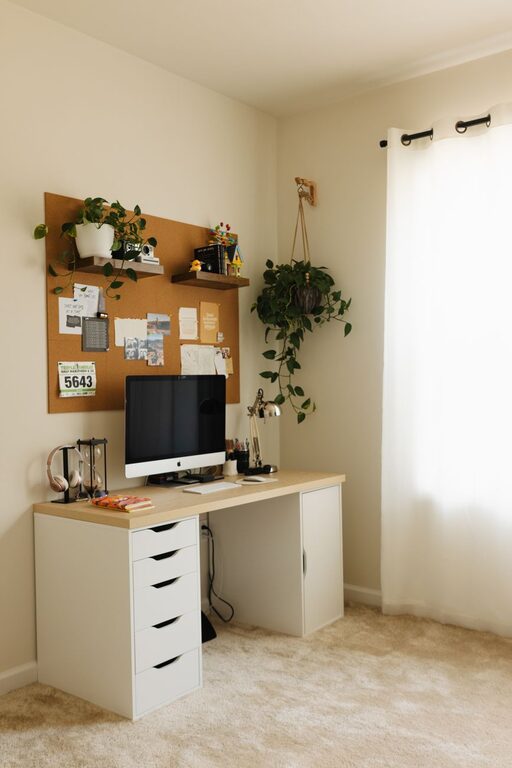
Incorporate soft textures like a plush rug, cushions, or a cozy blanket. These can make the space inviting and comfortable.
Include Plants
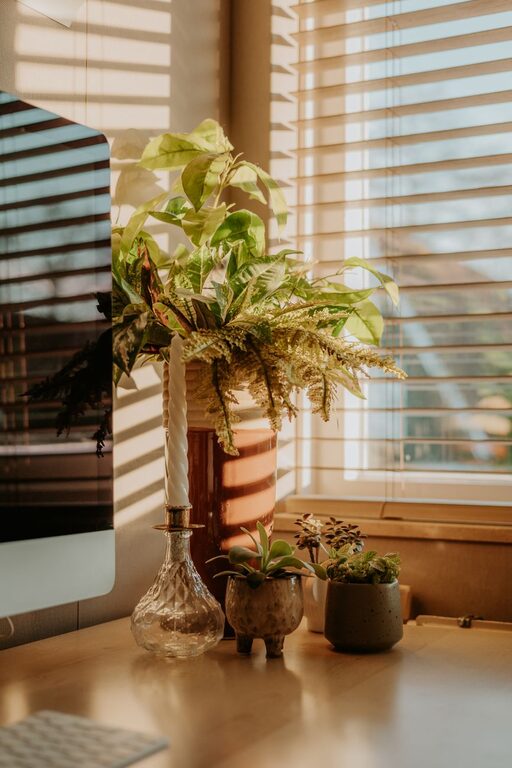
Plants improve air quality and add a touch of nature, which can reduce stress and enhance creativity.
Display Inspiring Items
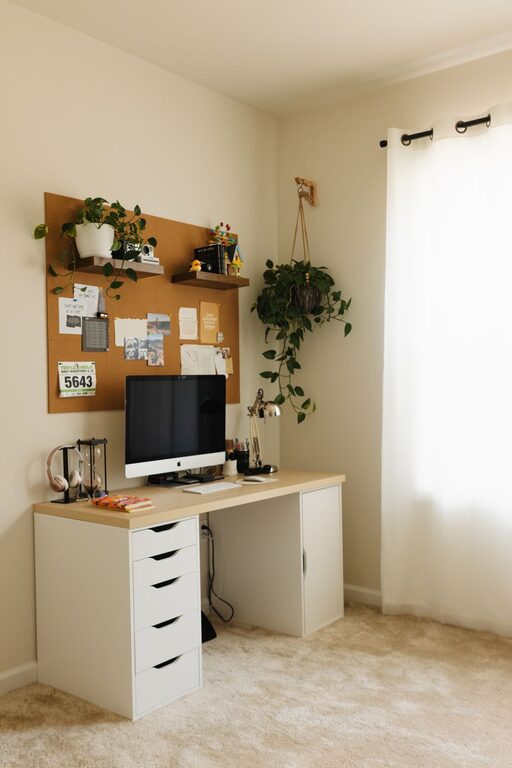
Add photos, artwork, or quotes that motivate you. Personal touches make your workspace more welcoming.
Control Lighting
Combine Ambient and Task Lighting
Use a combination of overhead lighting and desk lamps to reduce eye strain. Adjustable lamps are ideal for directing light where you need it most.
Use Warm Light Bulbs
Warm white bulbs create a cozy atmosphere, while cooler bulbs are better for alertness. Choose the lighting that suits your work style.
Minimize Distractions
Set Boundaries
If you share your home, communicate your work hours clearly to avoid interruptions.
Use Noise-Canceling Headphones
They help block out background noise and improve concentration, especially in noisy environments.
Incorporate Technology Wisely
Invest in Reliable Equipment
Ensure your computer, internet connection, and peripherals are dependable to prevent frustration.
Keep Cords Organized
Use cable organizers or clips to keep wires neat and prevent tangling.
Establish a Routine
Designate Work Hours
Stick to a regular schedule to create a separation between work and personal life.
Take Breaks
Use the Pomodoro Technique or scheduled breaks to refresh your mind and avoid burnout.
Enhance Air Quality
Ventilate the Room
Open windows when possible to allow fresh air in.
Use Air Purifiers
If outdoor air is limited, air purifiers can improve indoor air quality and your overall comfort.
—
By following these tips, you can design a home office that is not only comfortable and welcoming but also supports your productivity. The key is to create a balance between functionality and personal comfort, transforming your workspace into a place where you enjoy spending time and getting work done efficiently.