Working from home has become a common part of many people’s daily lives, making it essential to have a workspace that encourages focus and comfort. An organized workspace frees your mind from distractions and helps maintain a balance between work and relaxation. Here are some simple, practical tips to help you organize your home workspace for maximum productivity and comfort.
1. Choose the Right Location
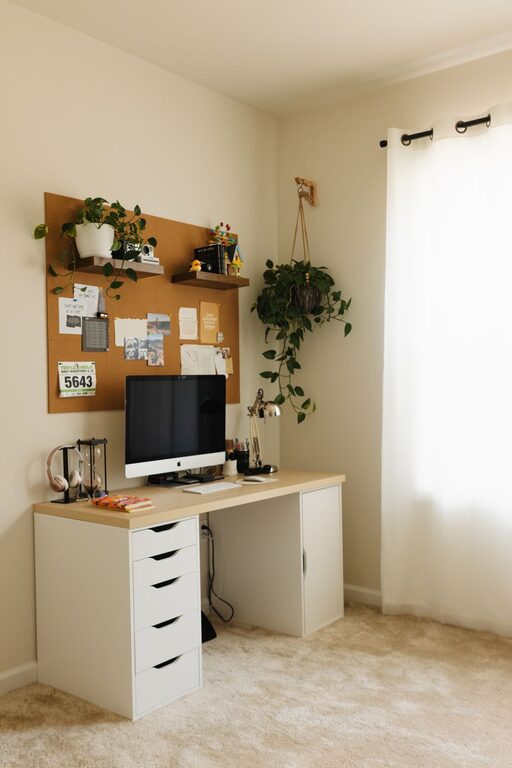
The first step in creating an effective workspace is selecting a good spot in your home. Ideally, pick a quiet area with minimal distractions. If possible, choose a space near natural light, such as by a window; natural light can improve your mood and alertness. Avoid areas with heavy foot traffic or loud noises.
2. Declutter Regularly
Clutter piles up quickly and can make any space feel chaotic. Start by removing everything from your desk and workspace. Only put back the essentials, such as your computer, notepad, and a few pens. Use drawers or storage boxes to keep items you don’t use regularly out of sight. Make decluttering a weekly habit to maintain a clean and organized area.
3. Optimize Desk Organization
An organized desk helps you focus and reach what you need without frustration. Here are some ideas:
– Use desk organizers or trays for stationery items.
– Keep frequently used supplies within arm’s reach.
– Use cable management solutions to avoid tangled cords.
– Keep your computer screen at eye level to reduce neck strain.
4. Create Dedicated Zones
If your workspace is large enough, consider creating dedicated zones for different activities. For example:
– A computer station for digital work.
– A writing area with a notepad and other materials.
– A small space for reading or brainstorming.
This division helps your brain transition more easily between tasks.
5. Use Comfortable Furniture
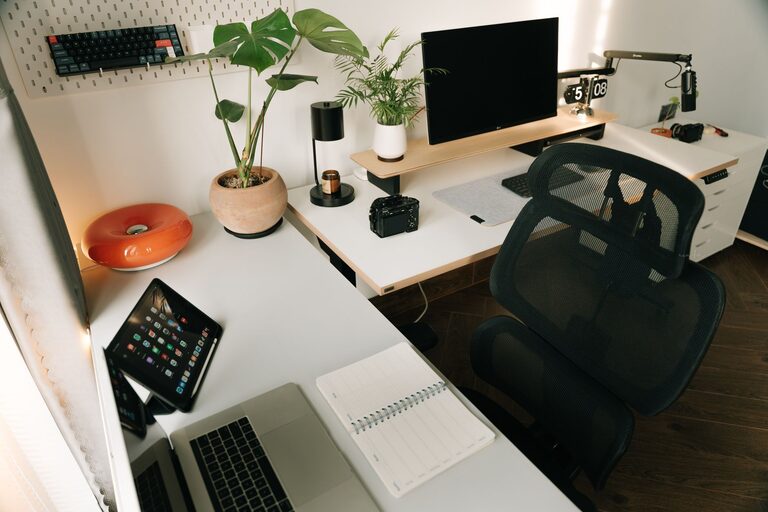
Comfort is key to staying productive for long periods. Invest in a good ergonomic chair that supports your back and encourages good posture. If possible, use a desk at the right height to keep your arms and wrists comfortable while typing. Adding a footrest or an adjustable monitor stand can also improve comfort.
6. Incorporate Personal Touches Sparingly
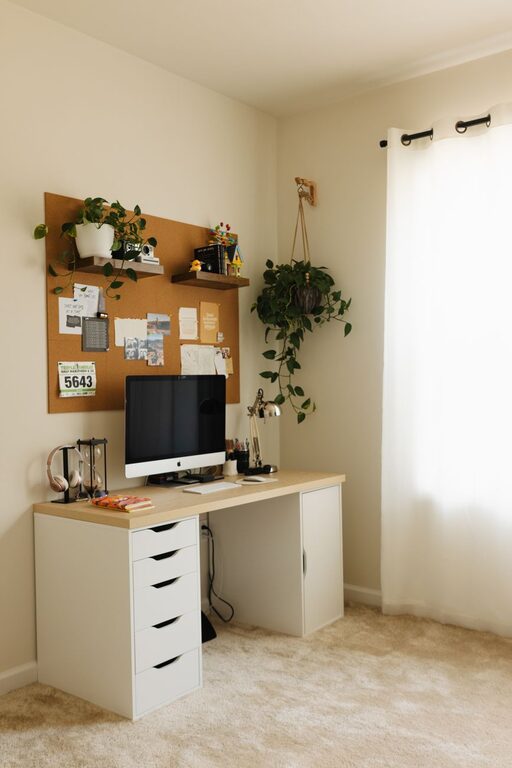
Adding personal touches like photos, plants, or artwork can make your workspace feel welcoming. However, avoid overcrowding the area with too many decorations, as this can become distracting. A small plant or a framed photo can boost your mood without cluttering your space.
7. Improve Lighting
Good lighting reduces eye strain and creates a pleasant atmosphere. Besides natural light, use a desk lamp with adjustable brightness to suit your tasks. Position the lamp to avoid glare on your computer screen. Warm lighting can help you relax, while cool white lighting is better for concentration.
8. Keep Digital Files Organized
An organized physical workspace is important, but don’t forget your digital environment. Use folders and clear naming systems to keep files easy to find. Regularly back up important documents and delete unneeded files to keep your computer running smoothly.
9. Set Boundaries and Routines
A well-organized workspace also means setting clear boundaries between work and personal time. Keep your workspace for work-related tasks only. Set specific work hours and stick to them. Starting your day by organizing your desk or making a to-do list can help set a productive tone.
10. Maintain Good Air Quality and Temperature
Comfort includes the environment around you. Ensure proper ventilation in your workspace and keep the temperature comfortable—not too hot or cold. If you can, open a window occasionally for fresh air.
—
Organizing your home workspace doesn’t have to be complicated or expensive. By choosing the right location, decluttering, optimizing desk setup, and paying attention to comfort, you can create a productive and inviting environment. Try these simple tips, and you’ll likely find it easier to focus, feel comfortable, and enjoy your workday at home.